- Required Office365 licenses or Microsoft 365 licenses for Sharepoint access
Launch any one of the browsers (Google chrome, internet explorer, Edge or Safari)
Type in the address bar as “portal.office.com”, it will show a Microsoft login page prompting for Email address and password credentials
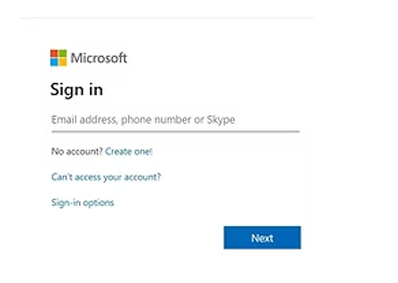
Once credentials are entered, click sign in
Note:
If there is Multifactor authentication(MFA) enabled in environment, it will send a verification code to the registered mobile number
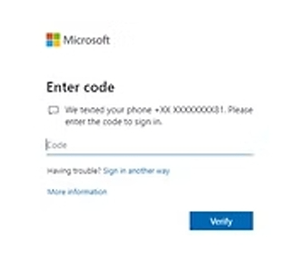
Enter the verification code and it will launch the MS office 365 applications page
On the top left corner, we will be able to view dots
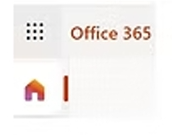
Click on that dots and it will expand the MS applications list
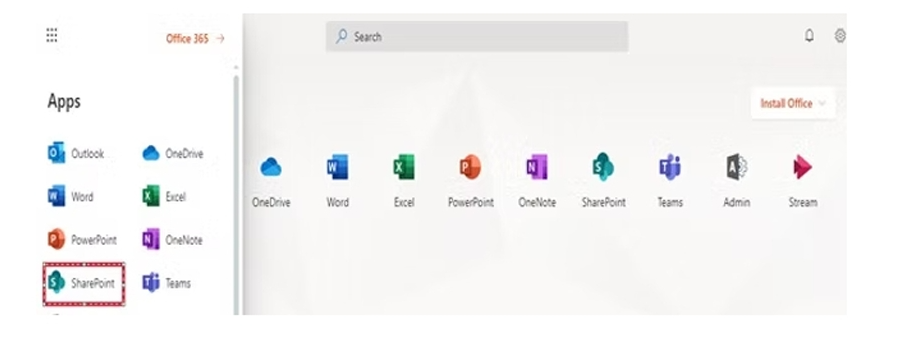
Choose Sharepoint and it will take you to sharepoint online portal