Download MS Teams App
You need to have an Office 365 basic license or Microsoft 365 license.
Open any web browser (Google Chrome, Internet Explorer, or Microsoft Edge) and enter the following address: teams.microsoft.com
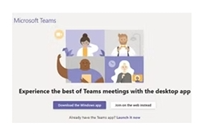
It will take you to a page prompting you to either download the Windows app or join on the web instead.
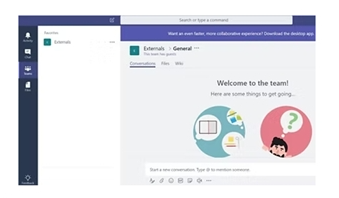
Once you click Join on the web instead, it will open Microsoft Teams in Outlook on the web app (OWA) format.
Once you click Download the Windows app, it will start downloading the Microsoft Teams application.
Navigate to the file path where it was downloaded and double-click the file to start installing the MS Teams app.
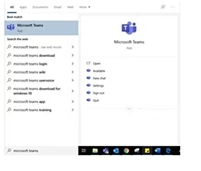
Once installed, open the MS Teams app from the search tab.
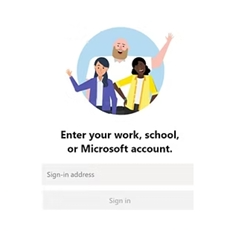
Sign in to MS Teams App
It will prompt you for your login credentials. Enter your username and password, then click Enter.
The MS Teams application will be signed in successfully.