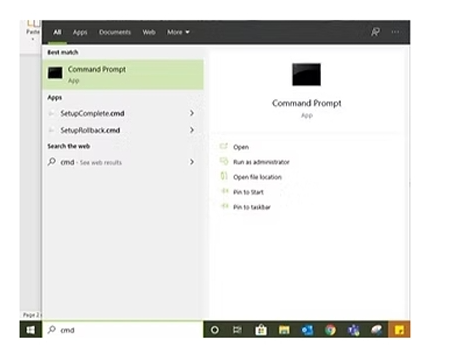
Open Windows and in the search box, type cmd. Choose Command Prompt from the top and click Open.
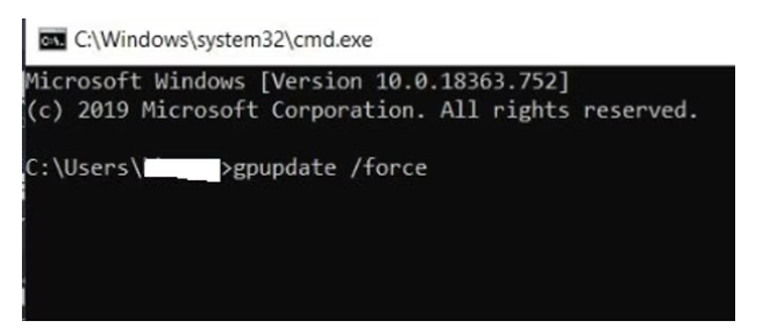
Once the Command Prompt is opened, type: gpupdate /force
Then press Enter. It will take a few minutes to update the Group Policy on your system.
Once GPUPDATE is completed, it is mandatory to restart your machine to get all the updates.